 |
retinify 0.1.7
Real-Time AI Stereo Vision Library
|
|
retinify 0.1.7
Real-Time AI Stereo Vision Library
|
Please refer to the following repository for the code examples used throughout this demo:
👉 Example Repository
Please refer to the Installation section for details.
This section demonstrates how to perform stereo matching on an arbitrary stereo image pair.
First, clone the repository used for the demo:
Next, build the project:
An executable will be produced in the build directory.
Sample stereo images are available in the retinify-opencv-example/img directory (you may also use your own images).
Run the executable with the left and right image paths as arguments:
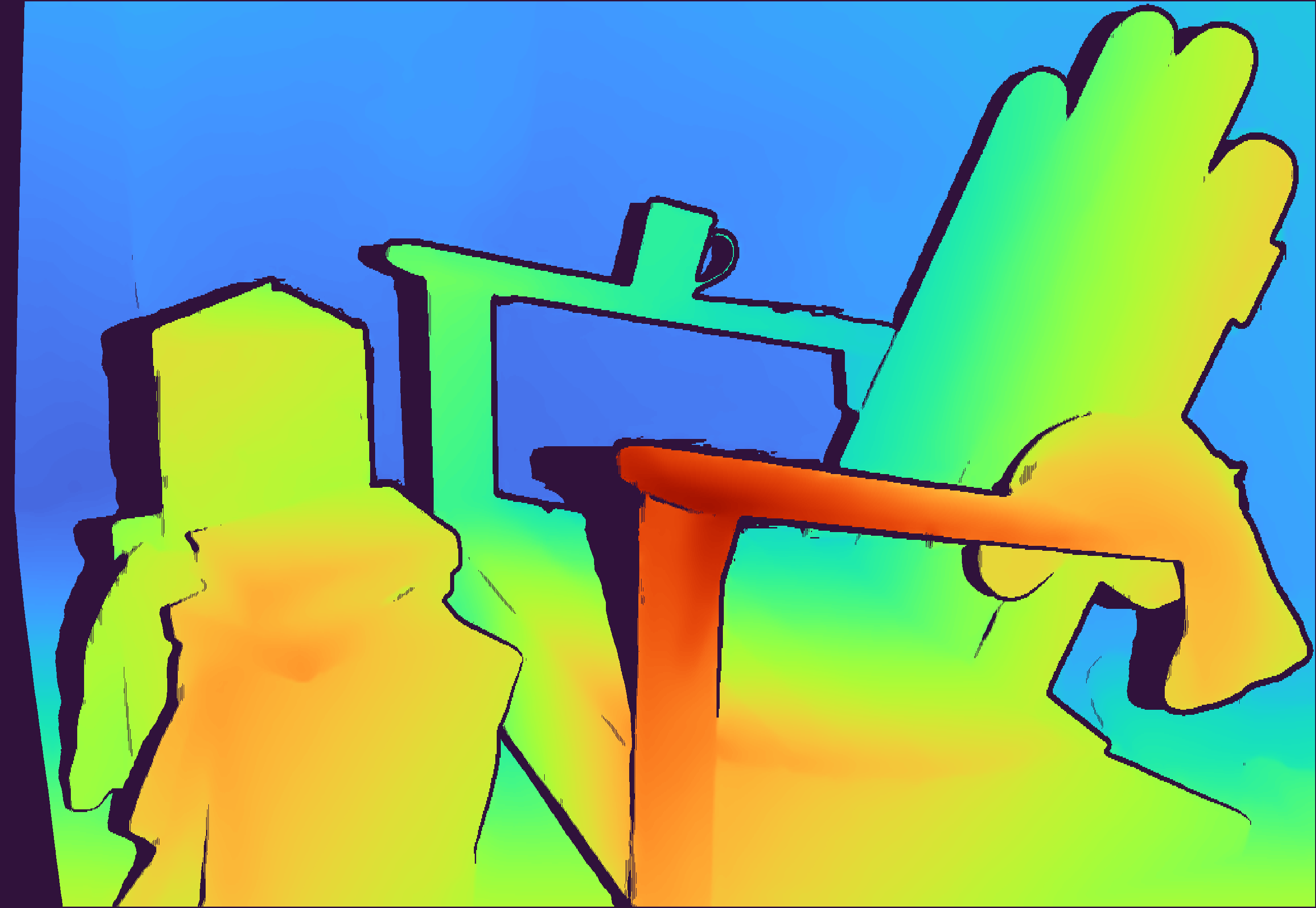
After successful execution, a file named disparity.png will be saved in the same directory as the executable.
If you use the images provided in the retinify-opencv-example/img directory, you should obtain a disparity image similar to the following:
 1.9.8
1.9.8